

Beautiful, functional websites without the web designer price tag. These Canva website templates are designed for couples, photographers, and small business owners who want something that looks considered and professional without the complexity. Fully editable, instant download, ready to share with a single link.

Wedding Website Template
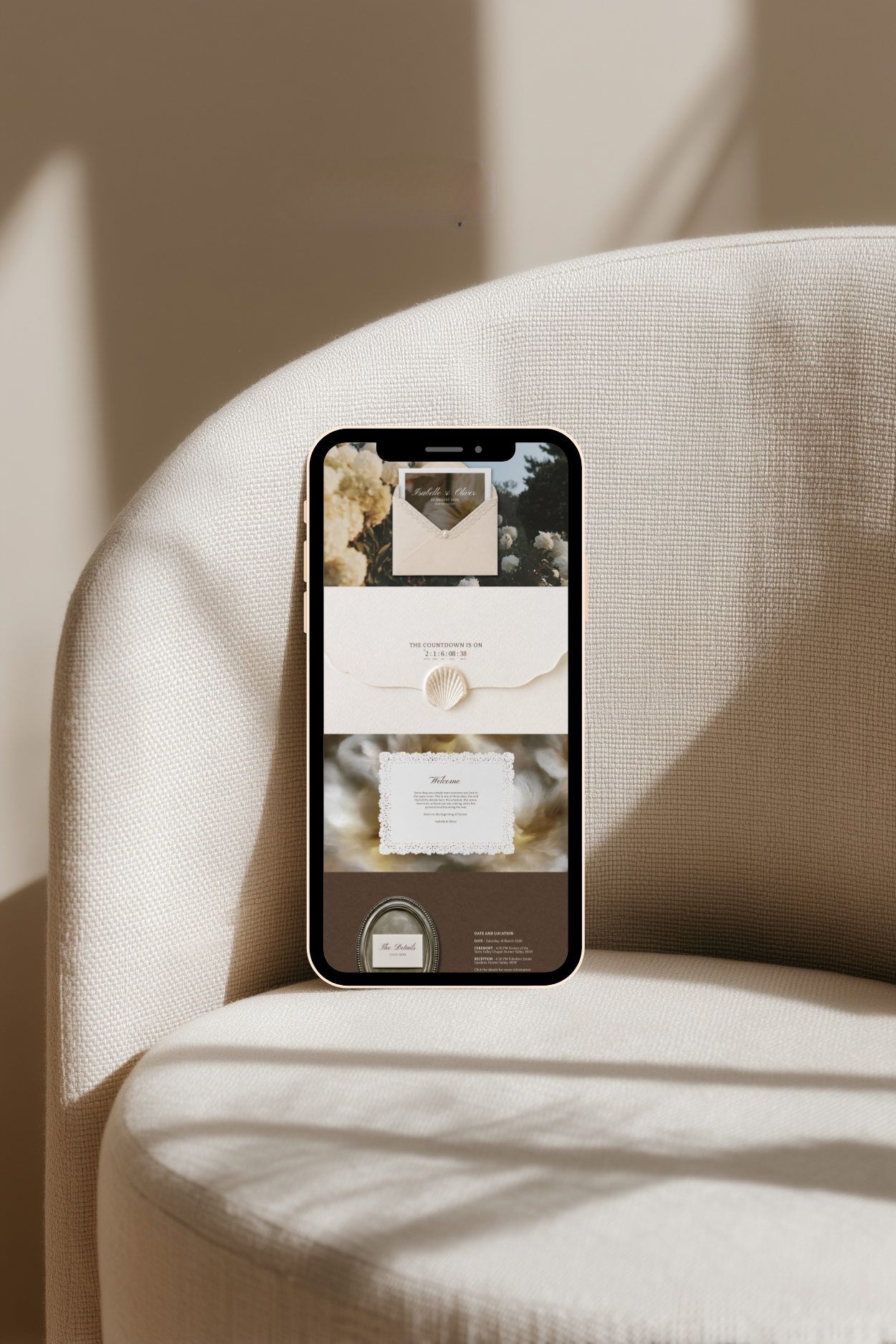
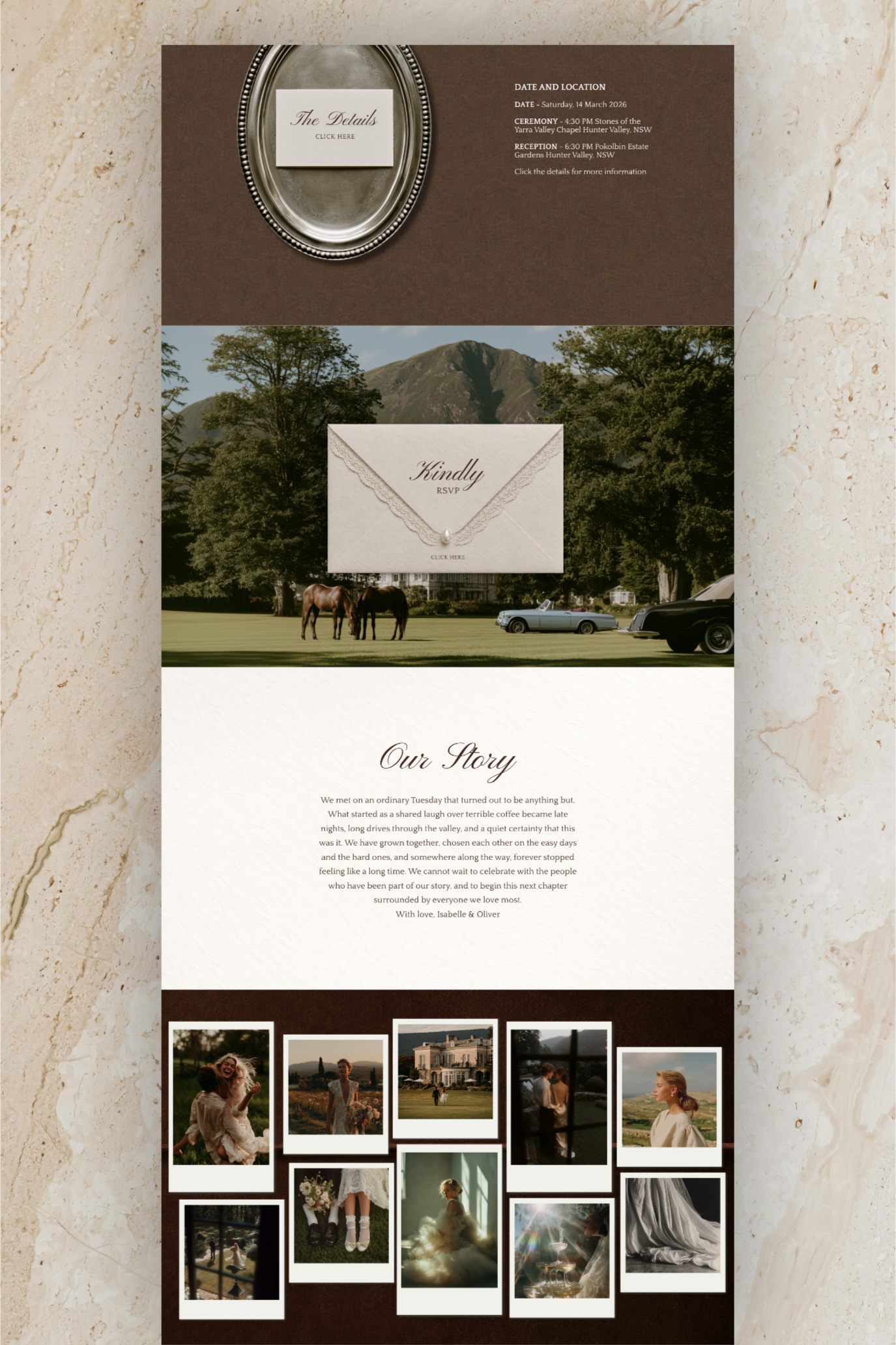
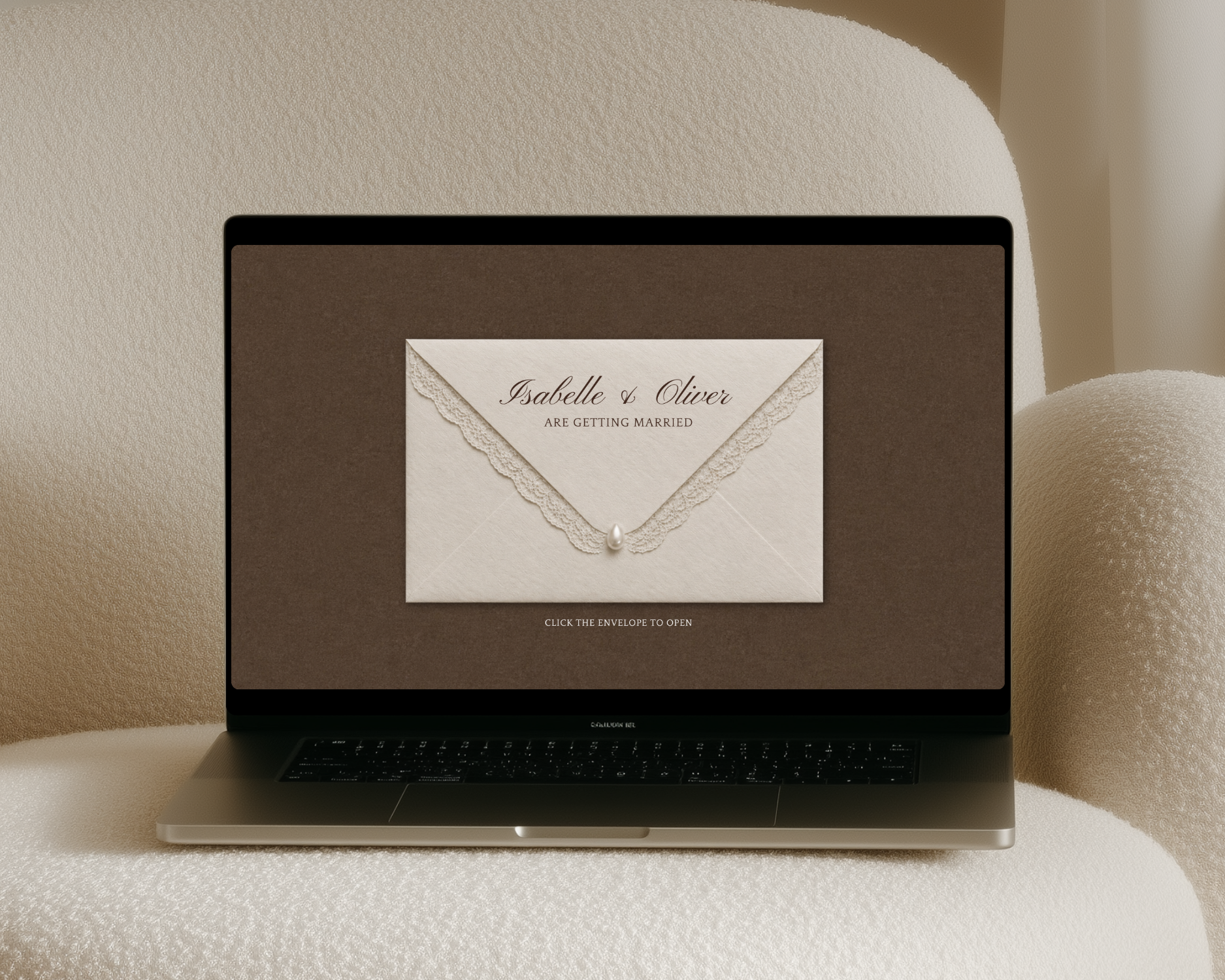
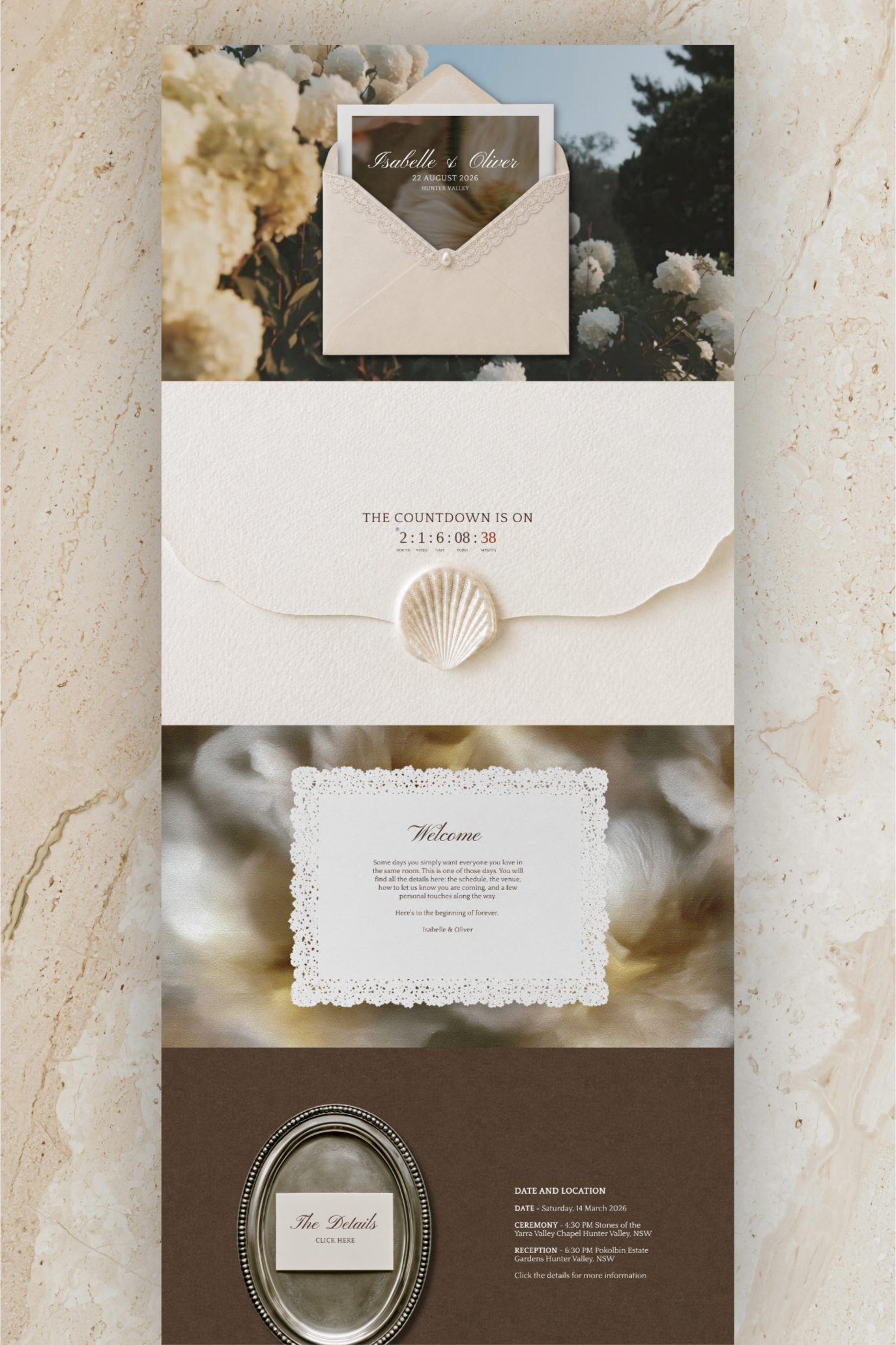
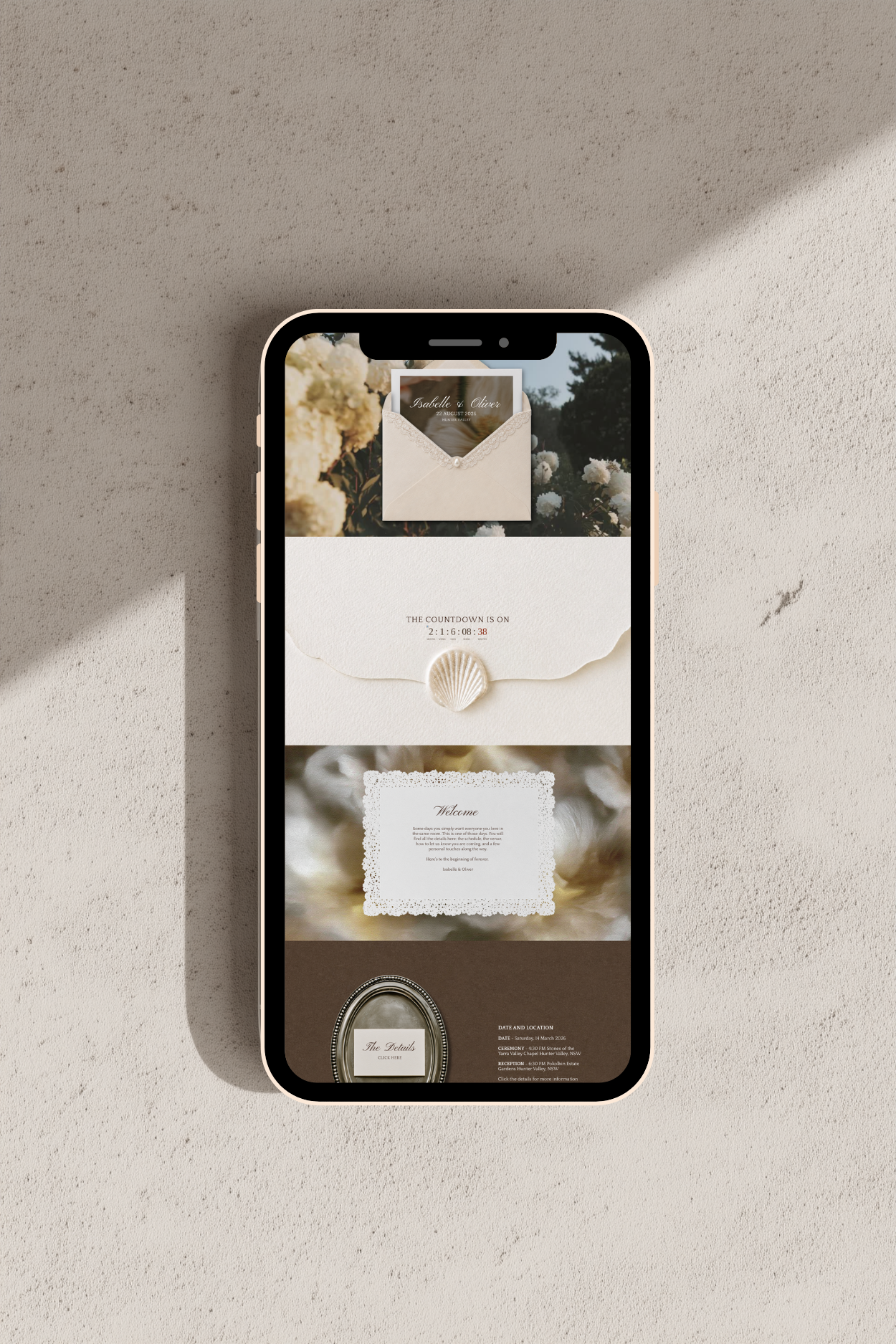
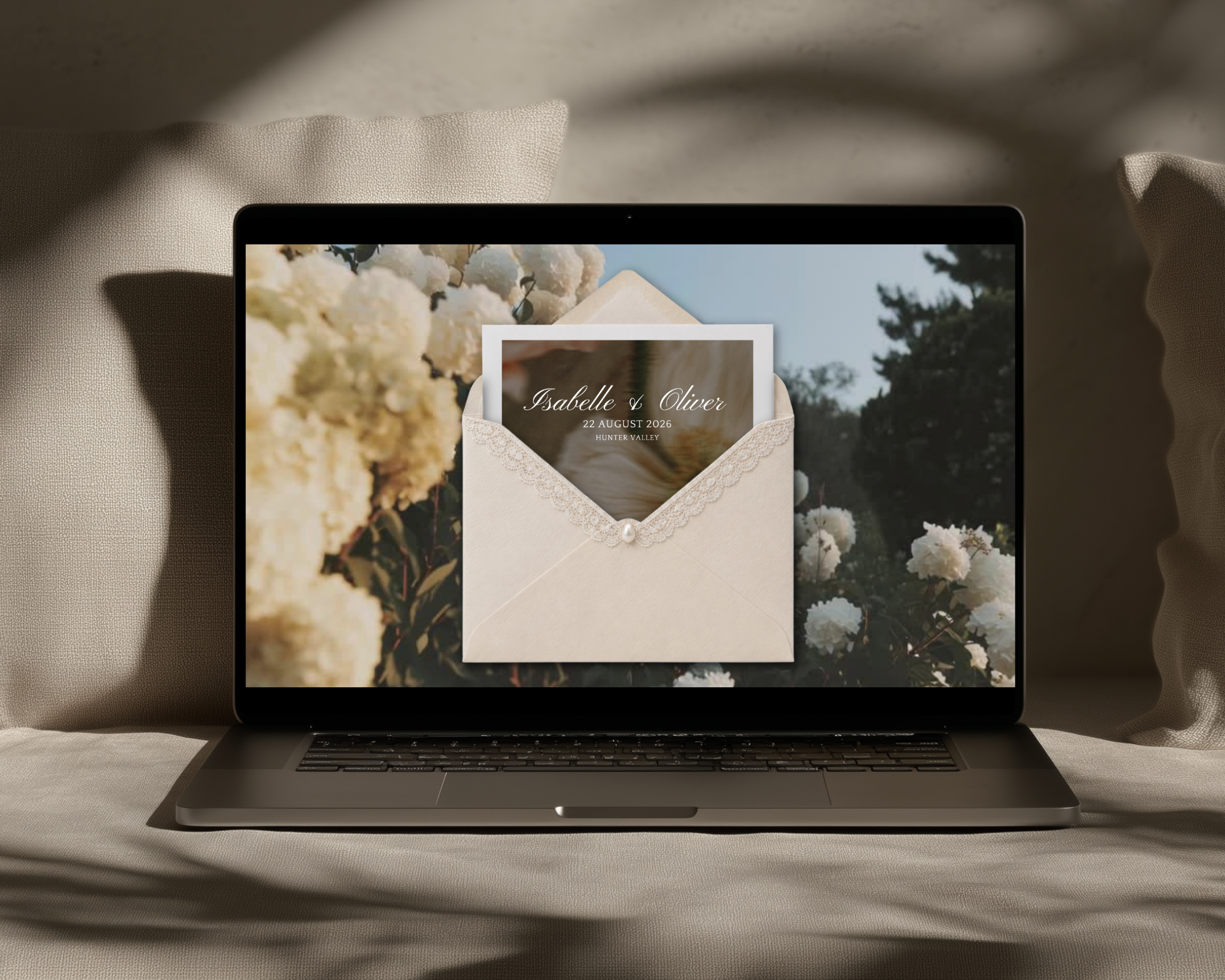
A fully designed Canva wedding website with an old money aesthetic. Warm linen tones, a lace and pearl envelope entrance, live countdown timer, polaroid photo gallery, and a built-in RSVP form. Editable in free Canva and ready to publish in an afternoon, no design skills needed.
Setup
-
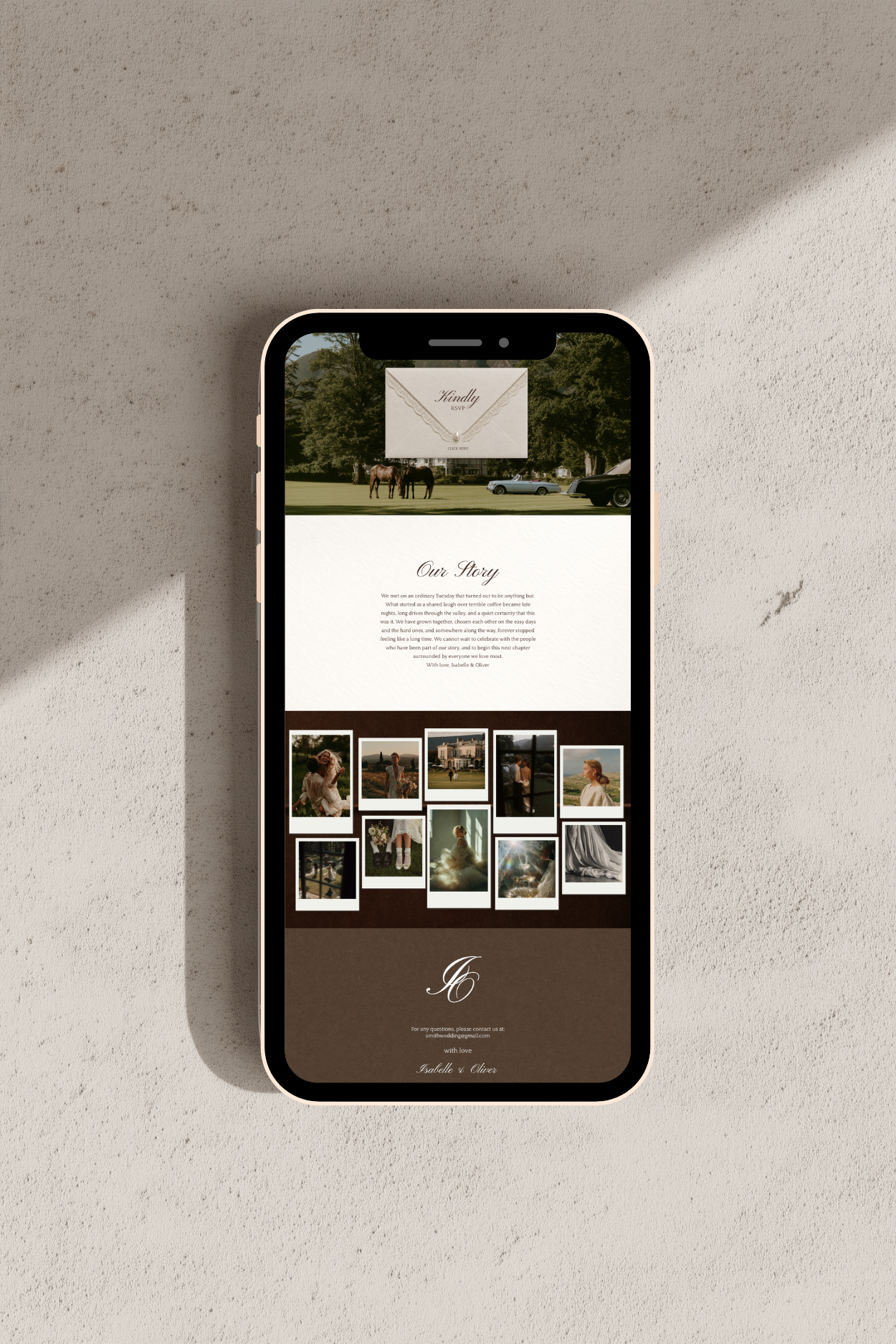
The Envelope: a lace and pearl entrance page your guests click to open
-
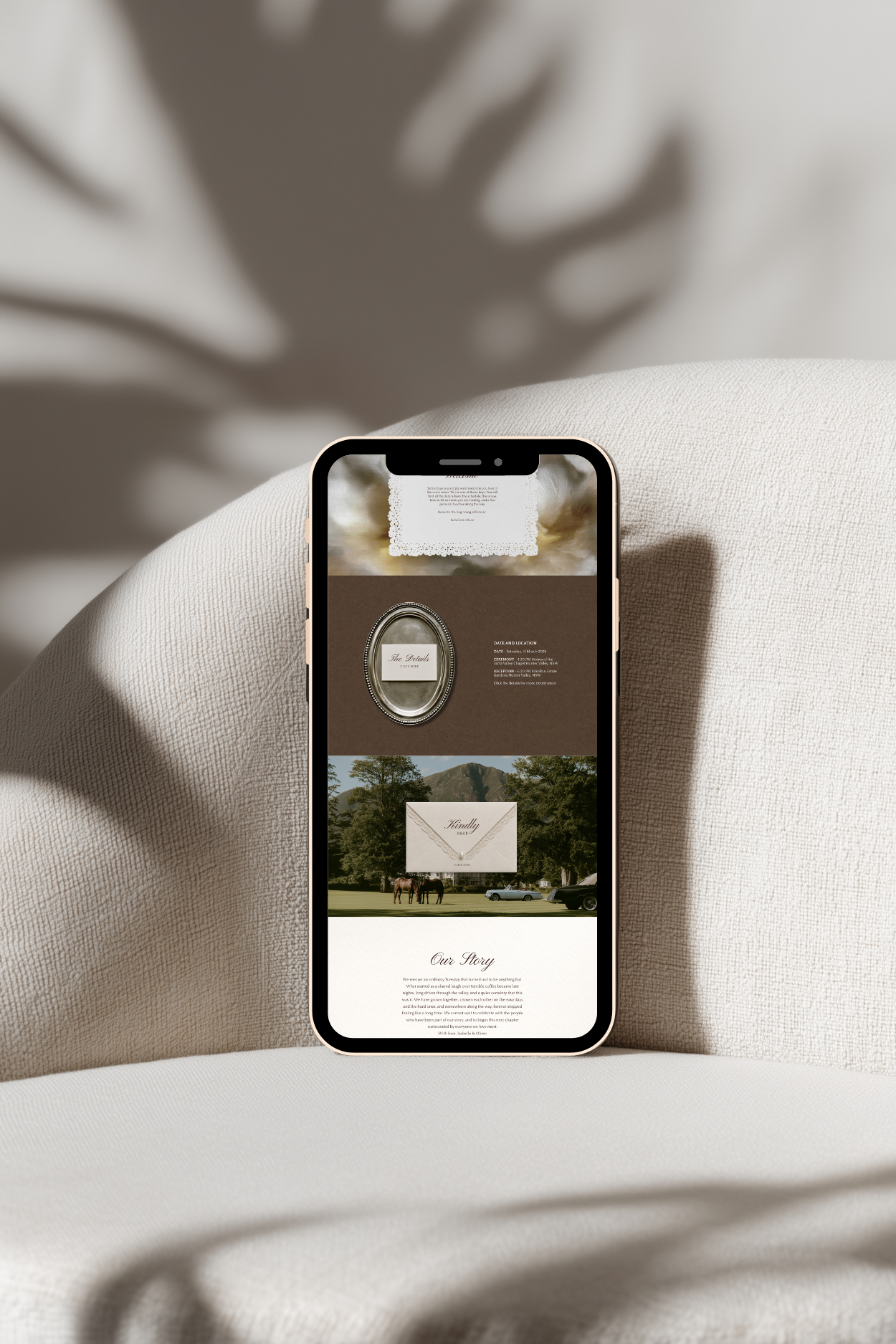
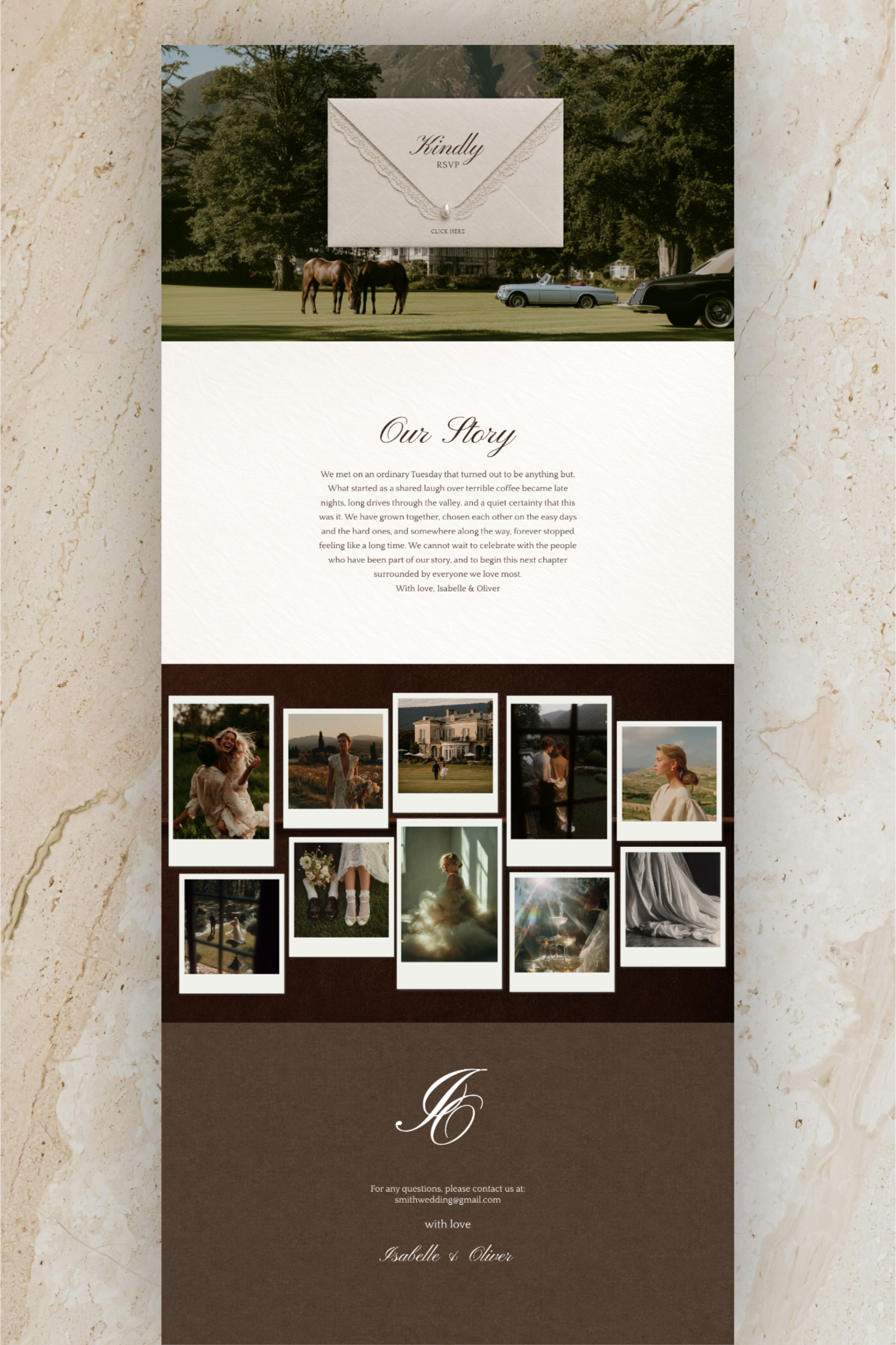
Home: hero engagement photo, live countdown timer, welcome message, date and location summary, Our Story section, polaroid photo gallery, and couple monogram footer
-
The Details: ceremony and reception information, day timeline, accommodation recommendations, dress code, children policy, and gift registry section
-
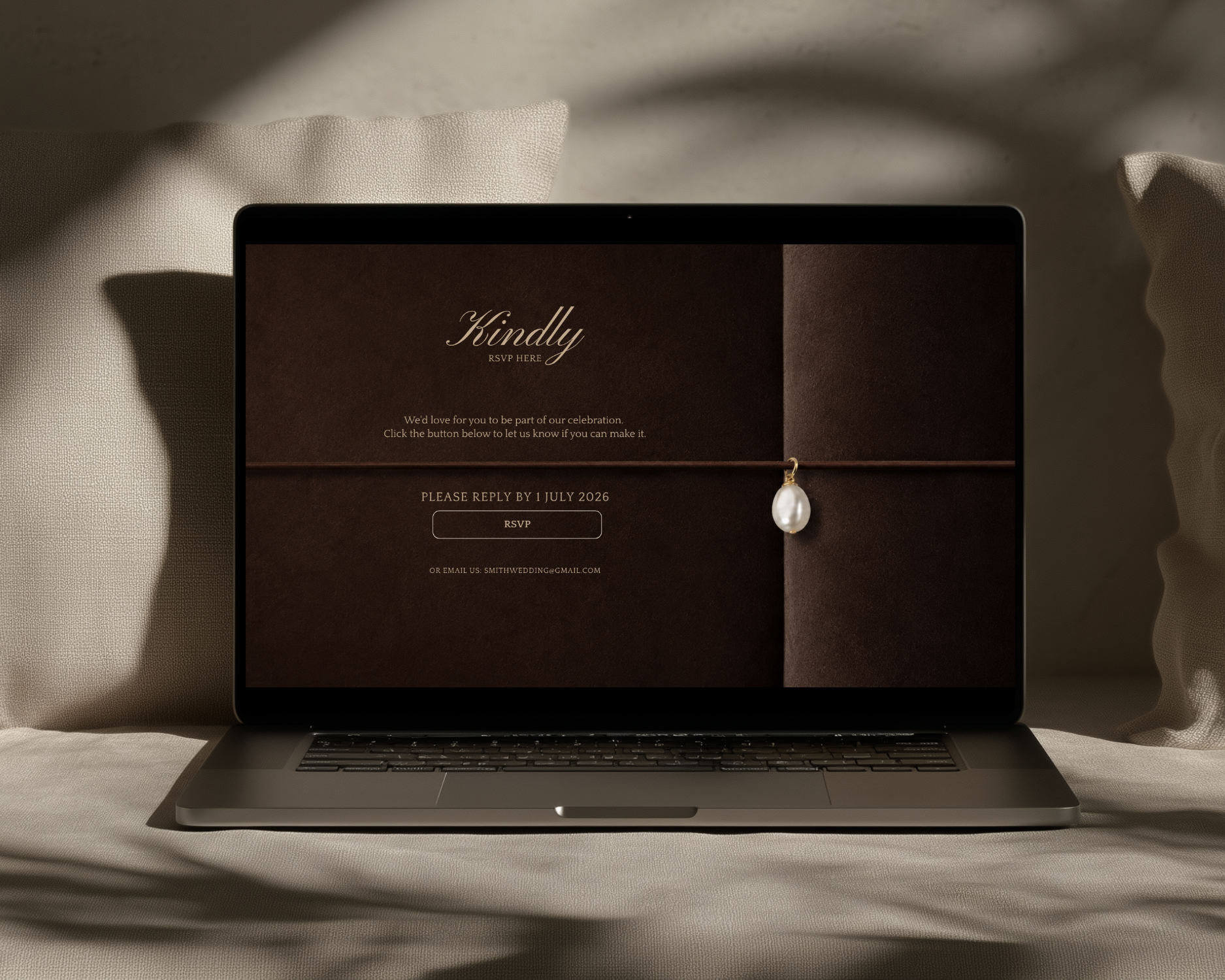
RSVP: deadline date, RSVP button, and contact email linking to either the built-in Canva form or a Google Form for free Canva users
-
Canva Form: built-in RSVP form including guest name, attendance, meal preferences, dietary requirements, and DJ requests

Frequently Asked Questions
-
No. Everything works with a free Canva account. Canva Pro is only required for the built-in RSVP form on Page 5. Free users can link the RSVP button to a Google Form or direct email address instead. Full instructions are included in the PDF editing guide.
-
Yes. A fully designed live demo is available at canva.link/pdb7qw7vbxwlm0y so you can click through every page before purchasing.
-
After checkout, go to your Etsy account, click Purchases and Reviews, and download the PDF. Your Canva link is inside. On mobile, open Etsy in a browser rather than the app for easiest access.
-
The template is licensed for personal use for your personal events only. It cannot be reused commercially, shared, or resold.
-
Message Studio Fleay directly through Etsy and you will receive a reply within 24 hours.
-
Yes. Click the countdown element in Canva, enter your wedding date and time, select your timezone, and click Update Countdown. Note: the countdown timer can only be updated on a desktop or laptop, not on mobile.
-
Canva Pro users have a built-in form on Page 5 that guests complete directly on the website. Free Canva users can link the RSVP button to a Google Form (free at forms.google.com) or a direct email address. Step-by-step instructions for all three options are included in the editing guide.
-
Yes. Everything is editable including colours, fonts, photos, names, dates, and button links. You can also add, remove, or reorder sections to suit your plans.
-
Yes. Canva allows you to publish your website with a free Canva subdomain (yourname.my.canva.site) or connect your own custom domain.
-
The template is designed for desktop viewing and publishes best when viewed at or near a standard laptop screen width. Canva websites do reflow on mobile but for the best experience we recommend sharing the link for guests to open on a desktop or tablet.
